

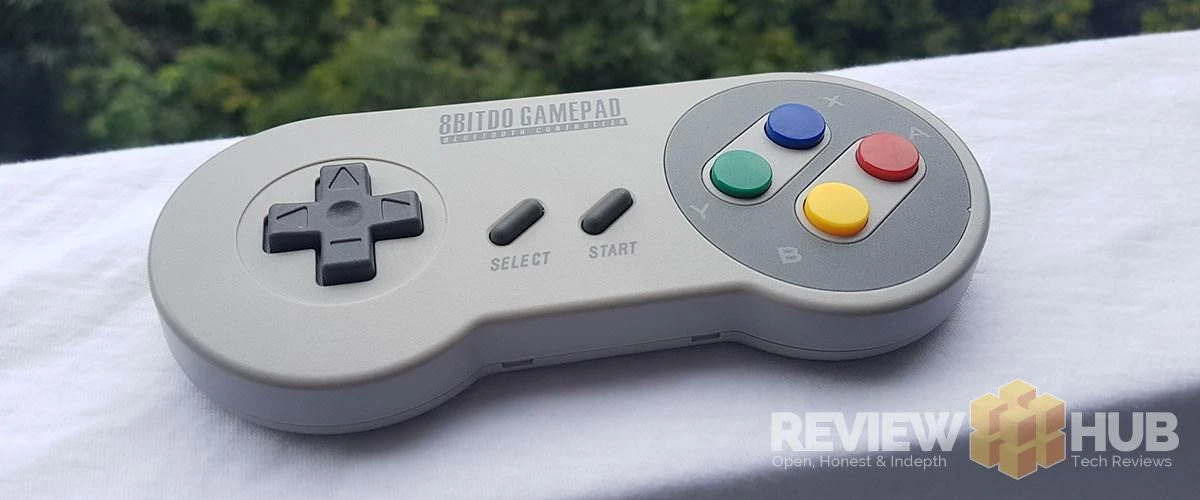
We get hands-on with the Bluetooth Retro SNES (Super Nintendo) Controllers from 8Bitdo
There's a lot of hype about retro gaming consoles at the moment with dedicated out-of-the-box ready machines like the NES Classic Mini, SNES Classic Mini, Sega Megadrive Classic, C64 all offering ready-made experiences.
Hang on... don't we already own devices fully capable of running these classic games already? Your smartphone or laptop is more than capable of running any of the 32bit or below retro gaming machines of yonder year...
...and that's where the (SN30 & SF30) 8Bitdo SNES controllers come into play!
Everything about these controllers oozes retro, from the cheap plastic feel to the muddy start and select buttons... you can literally feel your childhood memories flooding back. Even the instruction manual looks like it's been left abandoned in the attic for 20 years...
So you might be thinking... why don't I just get a pair of retro SNES controllers and save yourself a few bucks. It's easier than you might think!
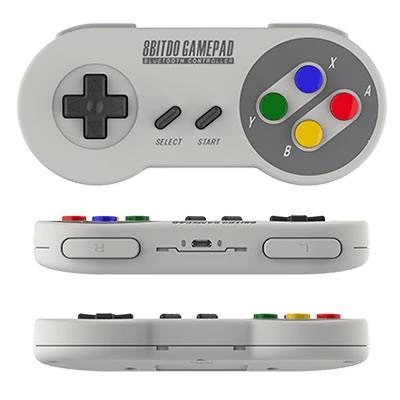
So the 8Bitdo SNES retro controllers certainly look the part (minus the cable) and the packaging is excellent, but I want to know how they perform when I load up my favourite SNES classics!
As it's a low price item, you'll get the best deals from GearBest... but if you can't wait they have them available via Prime on Amazon as well!
Scroll down for a few more boring technical bits...
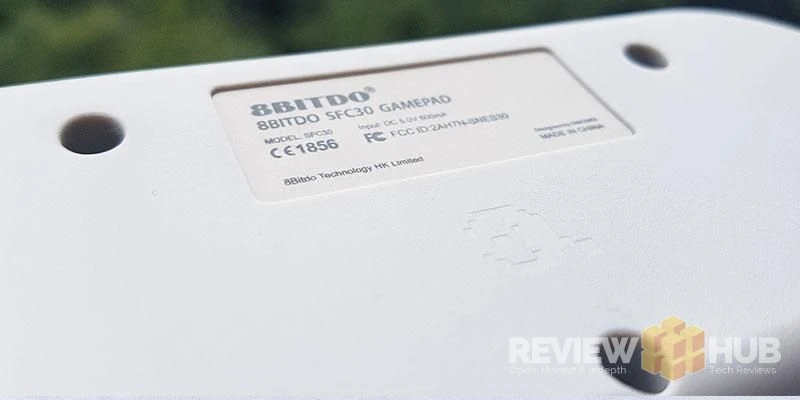
Updating the 8Bitdo SN30 + SF30 controllers
Out of the box, the two controllers I received were running out of date software. To make the 8Bitdo gamepads more compatible it's advised to update them to the latest firmware which is 4.01 at time of writing.
You can download firmware updates for all 8Bitdo devices here - http://support.8bitdo.com/
Update Instructions:
- Download the required firmware and extract
- Open '8Bitdo_Update_Win.exe' (Mac alternative available)
- Make sure the Gamepad is off
- Hold Start + L + R for 3 seconds
- Connect the Gamepad via a USB cable (included in box)
- Click the 'USB Update' button
It's super easy, simple and works first time.
8Bitdo SNES SF30 Game Modes
As of the latest firmware update the SF30 SNES 8Bitdo controller can be switched between it's 4 modes using the the following commands.
- Android Mode - This is the default that the controller kicks into by turning it on.
- Windows (X-Input Mode) - You can turn on this mode by holding the Start Button + X for 1 second and the LED will blink twice.
- MacOS - Hold START + A for three LED blinks.
- Nintendo Switch - Hold START + Y and play your favourite retro games on the Nintendo Switch.
Comment submitted successfully! It will appear once approved.
Submission failed. Please verify the Captcha and try again.
I think you already know by now that I think the 8Bitdo SNES & Super Famicon Game Pad are awesome, but feel free to chime in with your tips, experiences or any questions you might have below! : )